
Introduction to 3D Printing
Workshop Slides



Software Downloads
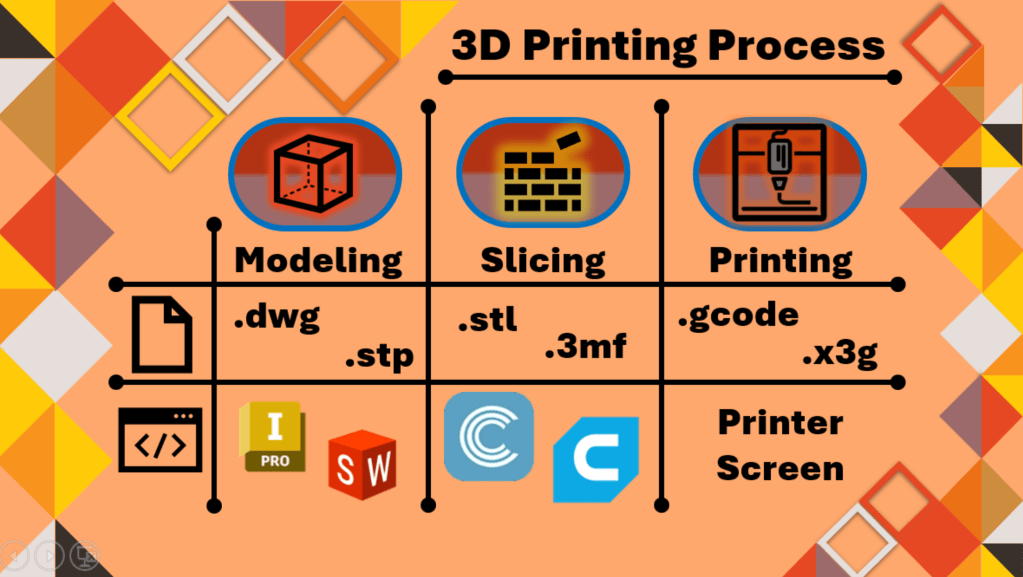
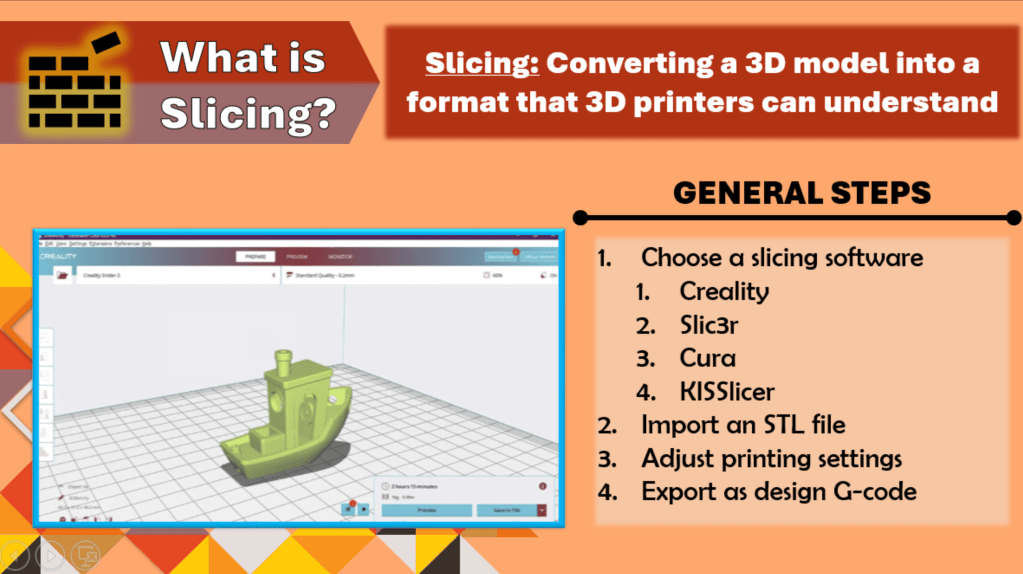
Slicer for UH BMES Printer:
Ender-3 V2 Neo Software & Firmware Download – Creality 3D Printer
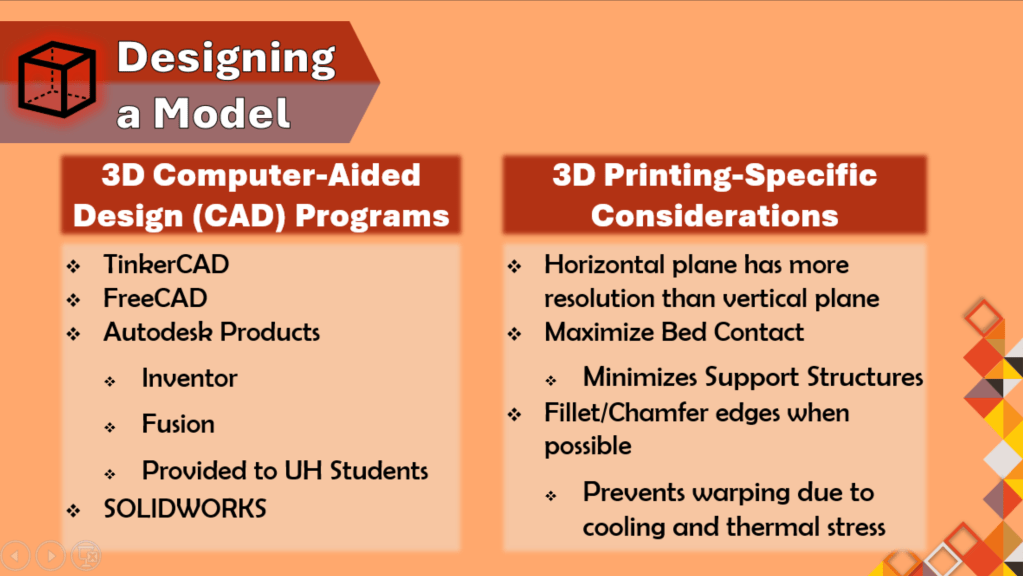
How to Download Autodesk Products for UH Students:
- Navigate to the “Student” hyperlink found in https://uh.edu/infotech/downloads/ under the “UIT Software Downloads” section of the page.
- Sign in with your CougarNet information.
- Navigate to the “Computer Aided Design” category and follow the instructions to create an Autodesk student account.
- Download Autodesk Fusion or Autodesk Inventor to your device using your newly created student account.
 UHBMES